In a post from Instagram founder Adam Mosseri, he said that you can finally reorder carousel posts after they’ve been posted. In the past, content creators felt that they are being penalized for losing engagement after making subtle edits to their carousel posts. This has now been addressed.

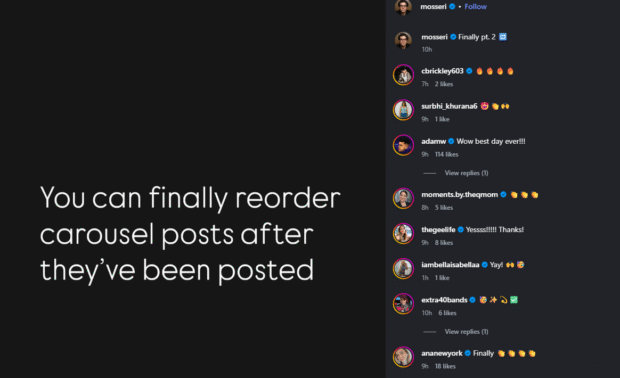
How to edit carousel posts without losing engagement / likes
- Open the Instagram app, head to your post and click edit
- You can drag and reorder carousel images and video
- You can remove items in the carousel but you cannot add new media to existing posts
A simple long press and drag makes content curation easier. In the past, users needed to delete a post and redo everything from scratch, losing engagement.
MOST READ
LATEST STORIES